 Pipedrive
 Webflow
Pipedrive vs Webflow
A side-by-side comparison to help you choose the right platform for your business.
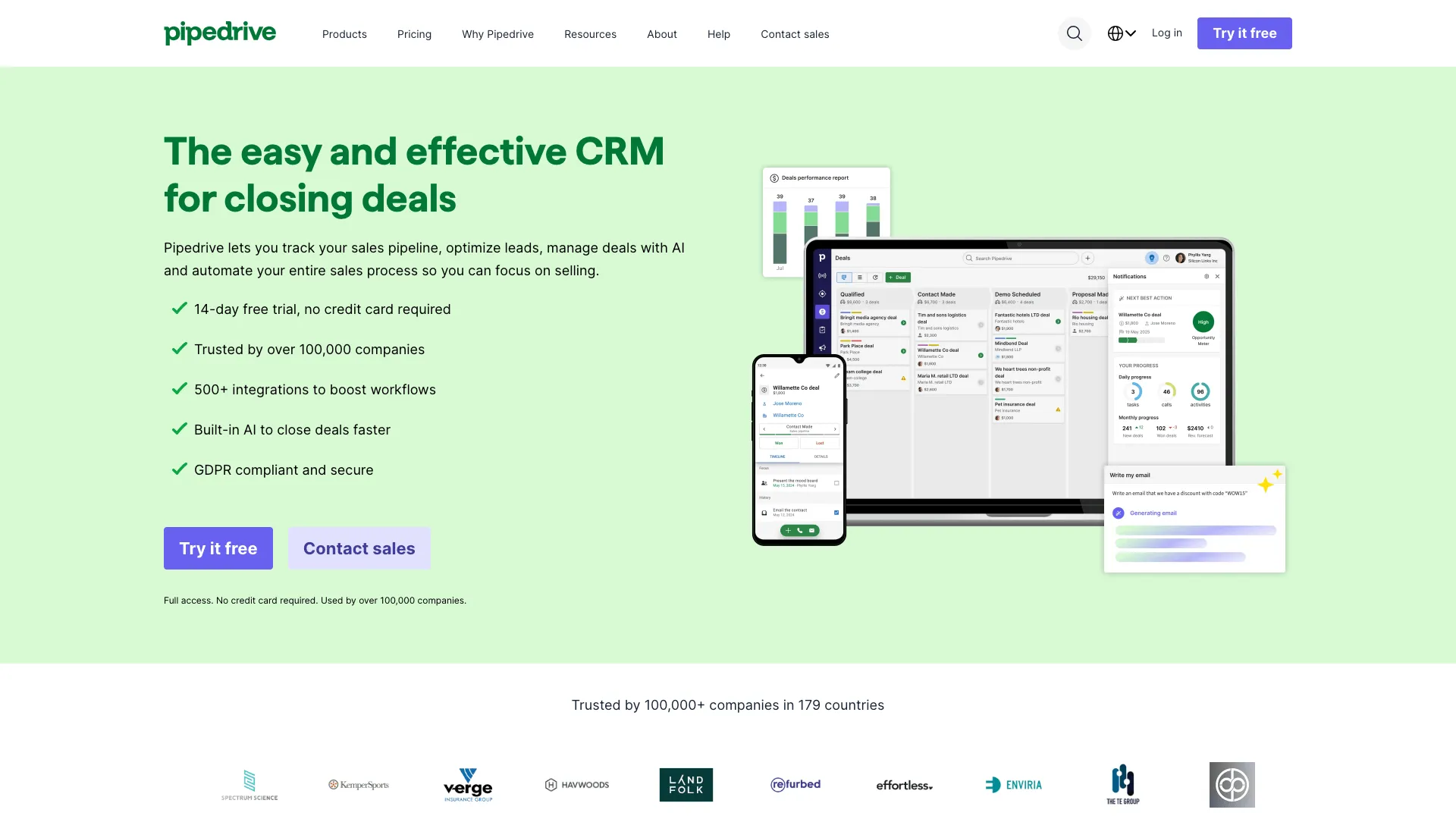
Pipedrive
Sales CRM with visual pipeline management
Sales teams wanting an easy-to-use, visual CRM focused on pipeline management and deal tracking
Visit Website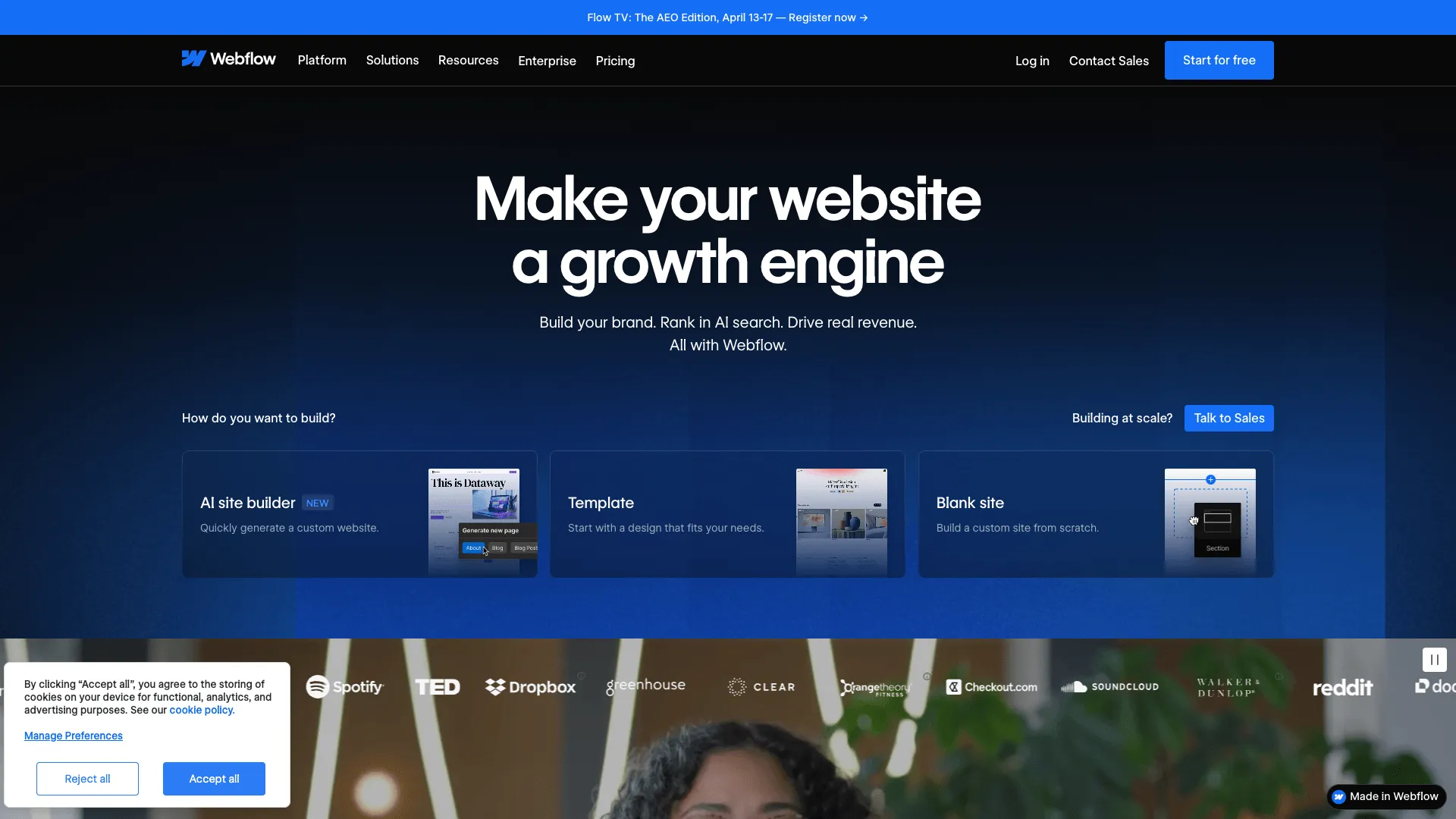
Webflow
Visual website builder for designers and developers
Designers and agencies wanting full creative control over custom websites without writing code
Visit WebsiteFeature Comparison
| Feature | Pipedrive | Webflow |
|---|---|---|
| Funnel Builder | No | No |
| Landing Pages | No | Yes |
| Email Marketing | Advanced plan+ | No |
| A/B Testing | No | No |
| Ecommerce | No | Ecommerce plan ($29+/mo) |
| Membership Sites | No | Via Memberstack integration |
| Affiliate Management | No | No |
| Webinar Hosting | No | No |
| Built-in CRM | Yes | No |
| Blog / CMS | No | Yes |
| Custom Domain | No | Yes |
| Drag & Drop Editor | Yes | Yes |
Pricing
| Plan | Pipedrive | Webflow |
|---|---|---|
| Free Plan | No | Yes |
| Free Trial | 14 days | No |
| Essential | $15/mo | Free |
| Advanced | $29/mo | $18/mo |
| Professional | $59/mo | $29/mo |
| Power | $69/mo | $49/mo |
| Enterprise | $99/mo | - |
Pros & Cons
Pipedrive
Pros
- ✓Intuitive visual sales pipeline that is easy to set up and use
- ✓Affordable starting price at $15/month per user
- ✓Strong deal tracking with activity-based selling methodology
- ✓400+ integrations via marketplace and native connectors
- ✓AI-powered sales assistant suggests next actions
Cons
- ✗Not a marketing platform - no funnels or landing pages
- ✗Email marketing requires Advanced plan or higher
- ✗Per-user pricing can get expensive for larger teams
- ✗Limited marketing automation compared to HubSpot or Keap
Webflow
Pros
- ✓Unmatched design flexibility with visual CSS control
- ✓Generates clean, production-ready code
- ✓Built-in CMS for blogs and dynamic content
- ✓Powerful interactions and animations without code
- ✓Free plan for learning and prototyping
Cons
- ✗Steep learning curve compared to traditional website builders
- ✗No built-in email marketing, funnels, or CRM
- ✗Ecommerce features require a separate, more expensive plan
- ✗Not designed for sales funnels or marketing automation
Frequently Asked Questions
What is the difference between Pipedrive and Webflow?
Which is cheaper, Pipedrive or Webflow?
Does Pipedrive have landing pages?
Which platform is better for beginners, Pipedrive or Webflow?
Can I try Pipedrive and Webflow for free?
The Verdict
Webflow
Visual website builder for designers and developers
Designers and agencies wanting full creative control over custom websites without writing code
- ✓Unmatched design flexibility with visual CSS control
- ✓Generates clean, production-ready code
- ✓Built-in CMS for blogs and dynamic content
Choose Pipedrive if...
Sales teams wanting an easy-to-use, visual CRM focused on pipeline management and deal tracking
Not ideal if: Marketers needing funnels, landing pages, or advanced marketing automation
Choose Webflow if...
Designers and agencies wanting full creative control over custom websites without writing code
Not ideal if: Marketers needing sales funnels, email marketing, or a quick-launch landing page tool